Yana Skakun

Have You Ever Lost Wedding Photos? How Professionals Prevent Disaster
By Yana Skakun·10 July 2026·8 min read
Every so often a story does the rounds — a wedding photographer's laptop is stolen, a memory card corrupts, a hard drive fails silently for weeks before anyone notices — and a couple is left with no record of their day at all. It is the single most common fear I hear when couples enquire about wedding photography, usually phrased some version of "what happens if something goes wrong with the files?" It is a fair question. A wedding cannot be reshot. There is no second take of a first kiss or a father's speech, which is exactly why professional workflow around data safety matters as much as the photography itself. This article sets out, honestly and specifically, how photographs are protected from the moment the shutter clicks to the moment you receive your gallery, and what you as a couple can do to add an extra layer of protection of your own.
Why Wedding Photos Are Uniquely Vulnerable
A wedding produces an enormous volume of irreplaceable data in a single day — often two to four thousand raw files shot across multiple cameras, handed by multiple hands, transported between multiple locations, and edited over the following weeks. Compare that to almost any other type of shoot: a commercial job can be reshot if a card fails, a portrait session can be rebooked. A wedding cannot. The couple is only twenty-five, only married, only surrounded by exactly those guests, on exactly that day, once.
That combination — huge volume of files, zero possibility of a redo, and files that pass through several stages of handling (camera to card, card to laptop, laptop to backup, backup to editing software, editing software to online gallery) — is precisely why data loss during a wedding shoot is one of the most serious risks in the entire industry. Every stage is a point where something could theoretically go wrong, and professional practice exists specifically to close off each of those points.
Dual Card Slots: The First and Most Important Safeguard
The single most important piece of equipment in preventing lost wedding photographs is not a backup drive or a piece of software — it is the camera body itself. Professional wedding cameras are chosen specifically because they have two memory card slots, and those slots are configured to write the same image to both cards simultaneously, in real time, as it is taken. This is usually called backup or mirror recording, and it means that from the instant a photograph is captured, it already exists in two physical, separate locations.
This single feature eliminates the single biggest cause of wedding photo loss historically reported in the industry: a corrupted or failed memory card. Memory cards do fail, more often than people expect, particularly under the heavy, repeated write cycles of a full wedding day. With dual-slot recording, a card failure during the ceremony means switching to the second card's copy, not losing the ceremony. I never shoot a wedding on a camera body without this feature, and any photographer without it is taking a risk with your day that has an easy, well-established solution.
The Journey from Camera to Computer
The next vulnerable moment is the transfer from cards to computer at the end of the day, or during a break in longer events. This is where a surprising amount of amateur data loss actually happens — a card is formatted before its contents are confirmed as copied, a rushed transfer is interrupted, or files are moved rather than copied and something goes wrong mid-process. Professional practice treats this stage with real discipline: cards are never formatted or reused until images have been copied to at least two independent locations and verified, meaning the file count and file sizes are checked against the originals, not just glanced at.
I keep the original memory cards untouched for a minimum of several weeks after a wedding, even after the images have been copied elsewhere and editing has begun. They are effectively a third backup that costs nothing beyond buying a few extra cards rather than reusing the same ones on the very next job. Only once a wedding's gallery has been delivered and confirmed as received do the original cards go back into rotation.
The 3-2-1 Backup Rule in Practice
Professional data storage generally follows what is known in the industry as the 3-2-1 rule: at least three copies of every file, stored on at least two different types of media, with at least one copy kept off-site. In practical terms for a wedding, that looks like this: the original memory cards (copy one), a primary working hard drive used for editing (copy two), and a separate backup drive kept in a different physical location from the working drive (copy three, and the off-site copy). Many photographers, myself included, add a fourth layer with encrypted cloud backup, meaning even if a house fire or theft took every physical drive at once, the files would still exist on a remote server.
The "different physical location" part is not a minor detail — it is the entire point of the rule. A backup drive sitting next to the primary drive on the same desk protects against drive failure but not against theft, fire, or flood, all of which would take out both copies simultaneously. A genuine off-site copy, whether that is a drive kept at a second address or an encrypted cloud service, is what protects against the catastrophic scenarios rather than just the everyday ones.
What this means for your day
When you book a wedding photographer, it is entirely reasonable to ask how your images will be backed up, and a professional should be able to answer clearly and specifically — dual card slots, verified transfer, and at least three stored copies including one off-site. If you are planning your own day and want to talk through how this works alongside timeline and coverage, I am always happy to go through it in detail.
Get in touchEditing and Delivery: Where Risk Continues
Data loss risk does not end once files are safely on a hard drive — it continues right through editing and delivery. During editing, working files are kept on the primary drive while the untouched originals and the off-site backups remain unaltered, so that a mistake made during editing (an accidental overwrite, a corrupted edit, a software crash mid-export) never touches the only copies of the original images. This separation between "working copy" and "master copy" is standard professional practice and it means editing mistakes are recoverable, not catastrophic.
Delivery itself is another point worth understanding. An online gallery, the method I use for delivering finished images, is not just a convenience for browsing and ordering prints — it also functions as an additional cloud copy of your finished images, hosted independently of my own equipment, for a defined period after delivery. I always recommend couples download their full-resolution files and store them in at least one place of their own as soon as the gallery is available, rather than treating the gallery link as a permanent archive. Galleries are eventually taken down or expire, and your own copy is the one that lasts.
What Couples Can Do to Protect Their Own Copies
Once your images are delivered, the responsibility for long-term safekeeping shifts to you, and it is worth taking seriously, because the same 3-2-1 principle that protects the files during production applies just as much afterwards. Download the full set as soon as it is available rather than leaving it "for later." Save it to at least two devices — a computer and an external drive, for instance — and ideally add a cloud backup such as Google Photos, iCloud, or a dedicated backup service, so a lost phone or a failed laptop is not a lost wedding album.
It is also worth thinking about a physical product as a genuinely separate form of backup, not just a keepsake. A printed wedding album or a set of fine art prints exists entirely independently of any hard drive, cloud account, or password, and cannot be lost to a ransomware attack, a forgotten login, or a format that becomes obsolete in twenty years' time. I encourage every couple to order at least one printed product from their gallery for exactly this reason — digital files are wonderfully convenient, but they are not immune to being quietly lost through neglect in a way a physical album sitting on a shelf simply is not.
Questions Worth Asking Any Photographer You're Considering
If data safety matters to you — and for a day like a wedding, it should — there are a handful of direct questions worth asking any photographer during enquiries, whether you are booking a full day of coverage or an elopement. Does your camera record to two cards simultaneously? How many backup copies do you keep, and where are they stored? Is at least one backup kept somewhere other than your studio or home? How long do you keep original files after delivery? A photographer with a genuinely solid workflow will answer these questions confidently and specifically, without vague reassurance. Hesitation or a shrug in response to these questions is worth taking seriously as a warning sign, regardless of how appealing the portfolio looks.
It is also worth understanding what is included in the package you are booking, since backup and delivery practices are sometimes glossed over in pricing pages in favour of talking about hours of coverage and number of photographers. A thorough photographer will happily walk you through exactly what happens to your images between the ceremony and the gallery landing in your inbox.
What Happens If Something Does Go Wrong
No system is entirely infallible, and honesty about that matters as much as the precautions themselves. If a card were somehow to fail on both slots simultaneously, or a drive failure coincided with a cloud sync issue, professional data recovery services can often retrieve files even from cards or drives that appear completely dead, because the physical data frequently survives even when the file system reading it does not. This is a genuine last line of defence, not a first resort, and it is far preferable to reach for it never rather than routinely — but it exists, and a professional workflow accounts for it as one further layer beyond the redundancy already built in.
The honest summary is this: with dual card slots, verified transfers, the 3-2-1 backup rule, and separated working and master copies, the realistic risk of losing wedding photographs through a professional's workflow is extremely low, and lower again once you have your own downloaded and backed-up copy. It is not a system built on hope. It is a system built on redundancy, deliberately layered so that no single point of failure can take everything with it.
If you are planning a wedding and want to know exactly how your photographs will be protected from the first frame to the final gallery, I am always glad to talk it through. Yana Skakun Photography has built data safety into every stage of the process precisely because a wedding day only happens once, and the people who trust me with it deserve to know their photographs are genuinely safe. Get in touch to talk about your date and coverage.




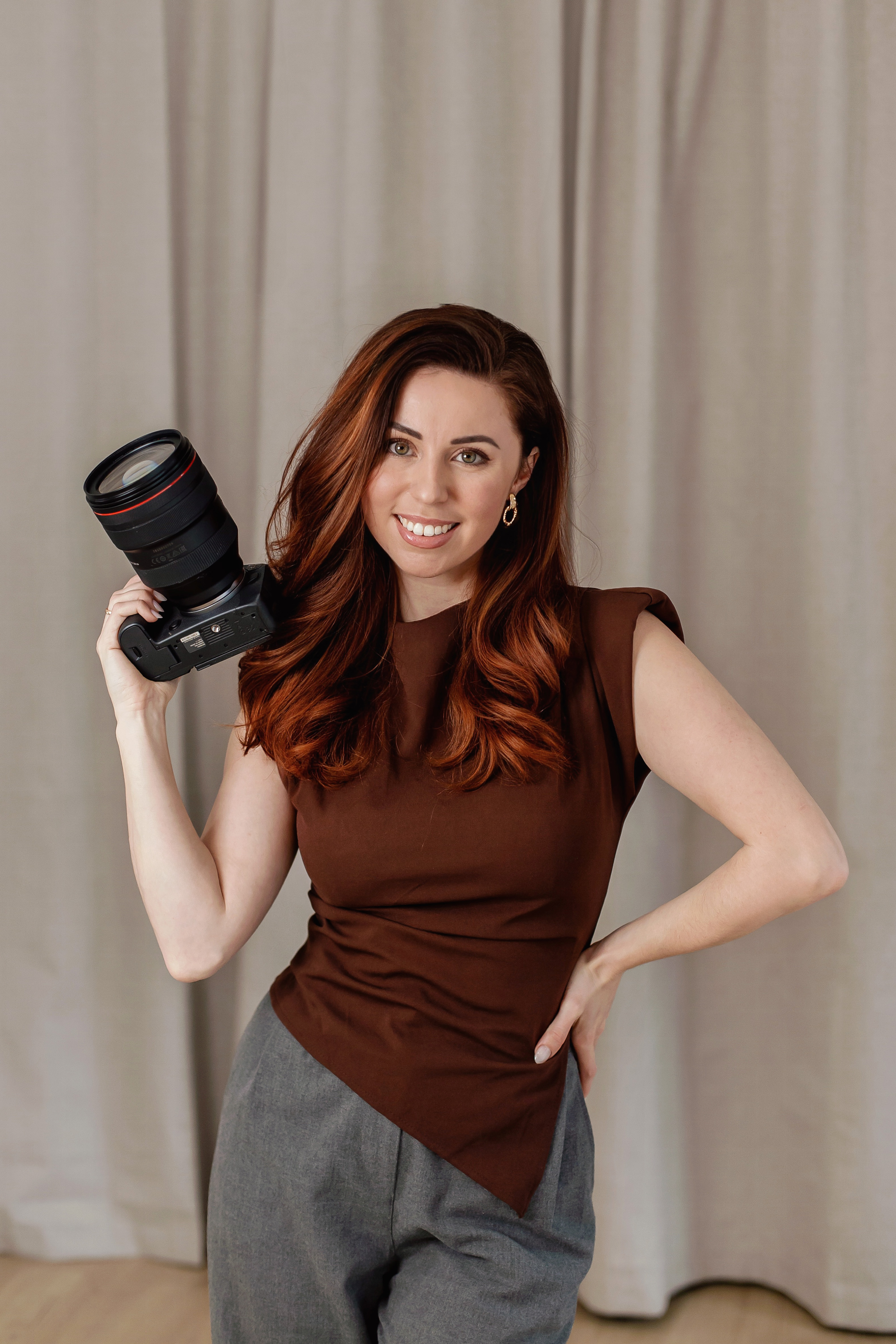
Yana Skakun
Photographer · England
Professional wedding, family and portrait photographer based in England. Passionate about capturing authentic emotions and timeless moments.
About Yana →lost wedding photos preventionwedding photo backupwedding photographer data safety3-2-1 backup ruledual card slot cameraCambridge wedding photographer
Photography Tips — Professional Photography in Cambridge & England
Yana Skakun is a professional photographer based in Cambridge, specialising in wedding, family, and portrait photography across England. Every session is personal — planned around your story, your people, and the moments that matter most. This guide — Have You Ever Lost Wedding Photos? How Professionals Prevent Disaster — is part of the photography journal: practical, experience-based advice drawn from real sessions across England. Whether you arrived searching for lost wedding photos prevention or wedding photo backup, the same care and attention shapes every session Yana photographs.
Professional Photography sessions are available year-round, with bookings open across Cambridge, Ely, Huntingdon, Peterborough, and further afield — East England, London, the Midlands, and beyond. If you have specific questions about wedding photographer data safety, mention it in your enquiry. Get in touch through the contact form above to check availability and discuss your session. Enquiries are welcomed from anywhere in the UK.
Frequently Asked Questions
What camera settings should I use for outdoor portraits?+
For outdoor portraits, shoot in aperture priority mode. Use a wide aperture (f/1.8–f/2.8) to blur the background and isolate your subject. Keep ISO as low as possible in good light. In bright conditions, use a neutral density filter or switch to manual to avoid overexposure at wide apertures.
What is the golden hour in photography?+
Golden hour is the period roughly 30–60 minutes after sunrise and before sunset. The sun is low in the sky, producing warm, soft, directional light that flatters skin tones and creates beautiful long shadows. It's widely considered the best natural light for portrait and outdoor photography.
How do you get sharp photos in low light?+
In low light, increase your ISO (accepting some grain), use the widest aperture your lens allows, and slow your shutter speed to the slowest you can hand-hold without camera shake (roughly 1/focal length as a guide). Use image stabilisation if available, and consider a tripod for static subjects.
What is the rule of thirds in photography?+
The rule of thirds divides the frame into a 3×3 grid. Placing your subject on one of the four intersection points — rather than dead centre — creates a more dynamic, visually interesting composition. It's a guideline, not a rule: some of the most powerful images break it deliberately.
How do you edit photos to look professional?+
Professional editing starts with shooting in RAW format. In Lightroom or similar software, correct exposure, white balance, and contrast first. Recover shadow and highlight detail. Apply gentle colour grading for mood. Be conservative with skin retouching — the goal is natural enhancement, not transformation. Consistency across a set of images is what separates professional from amateur editing.
Continue Reading
Related Articles

Photography Tips
Photography Gift Vouchers: The Most Personal Present You Can Give
5 min read · Read Article
Photography Tips
Photo Books vs Photo Albums: What Is the Difference and Which Is Better?
5 min read · Read Article
Photography Tips
Photo Gift Ideas: Turning Professional Images into Meaningful Presents
5 min read · Read Article
Get in Touch
Ready to Book Your Session?
Get in touch to discuss your vision — I'll reply within 24 hours.